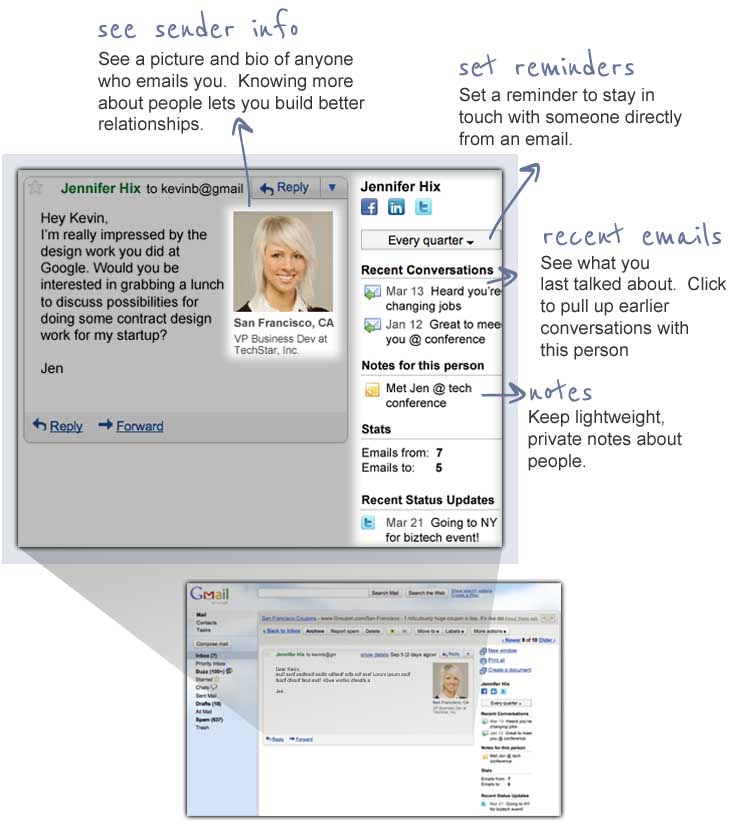




gmail plugin
In addition to going to the Etacts.com site, you can use Etacts from directly within Gmail using our plugin. Click to see features
 Add the Etacts plugin to Gmail
To get the full experience of Etacts for Gmail, please use Mozilla Firefox
or Google Chrome.
If you really want to use Etacts with this browser,
you can install our bookmarklet by dragging this link:
Etacts for Gmail
up to your Bookmarks toolbar.
Now, next time you open Gmail in this browser, simply click the bookmark called "Etacts for Gmail".

Instructions for Chrome
1. Click the "Add to Gmail" button above.
2. At the bottom of your screen, you'll see a notification. Click "Proceed".

3. When the next window opens, click "install"
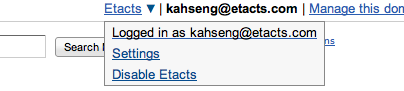
4. The next time you open Gmail, you should automatically see our "Etacts" menu at the top right side of your window. Open any email to begin using the plugin.
Instructions for Firefox
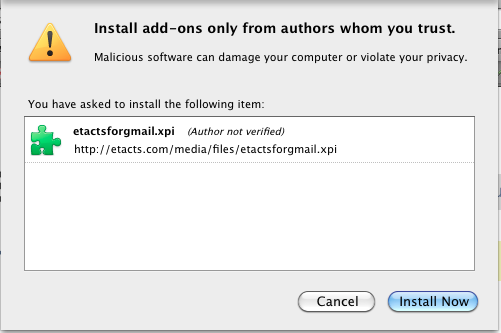
- Click the "Add to Gmail" button above.
- At the top of your screen, you will see a confirmation message. Click "Allow".

- When the next window opens, click "install" and then click "Restart Firefox".
- The next time you open Gmail, you should automatically see our "Etacts" menu at the top right side of your window. Open any email to begin using the plugin.
Instructions for Safari
- Click the "Add to Gmail" button above.
- You will see your Downloads window pop up with our Etacts extension in it. Double-click it to install.
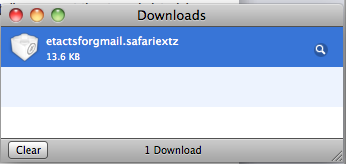
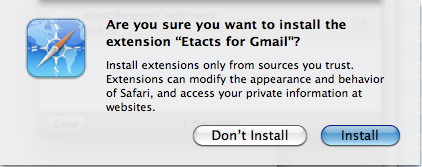
- When the next window opens, click "install" and then restart Safari.
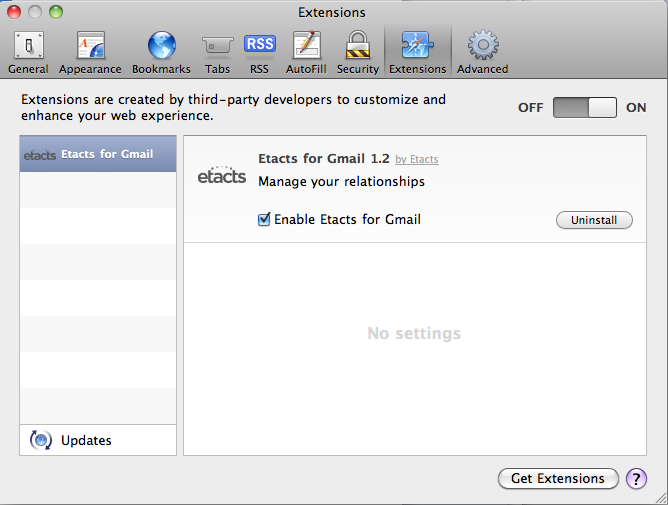
- To verify Etacts was installed, you may go to the Safari menu -> Preferences... and look under the Extensions tab.
- The next time you open Gmail, you should automatically see our "Etacts" menu at the top right side of your window. Open any email to begin using the plugin.
Features